
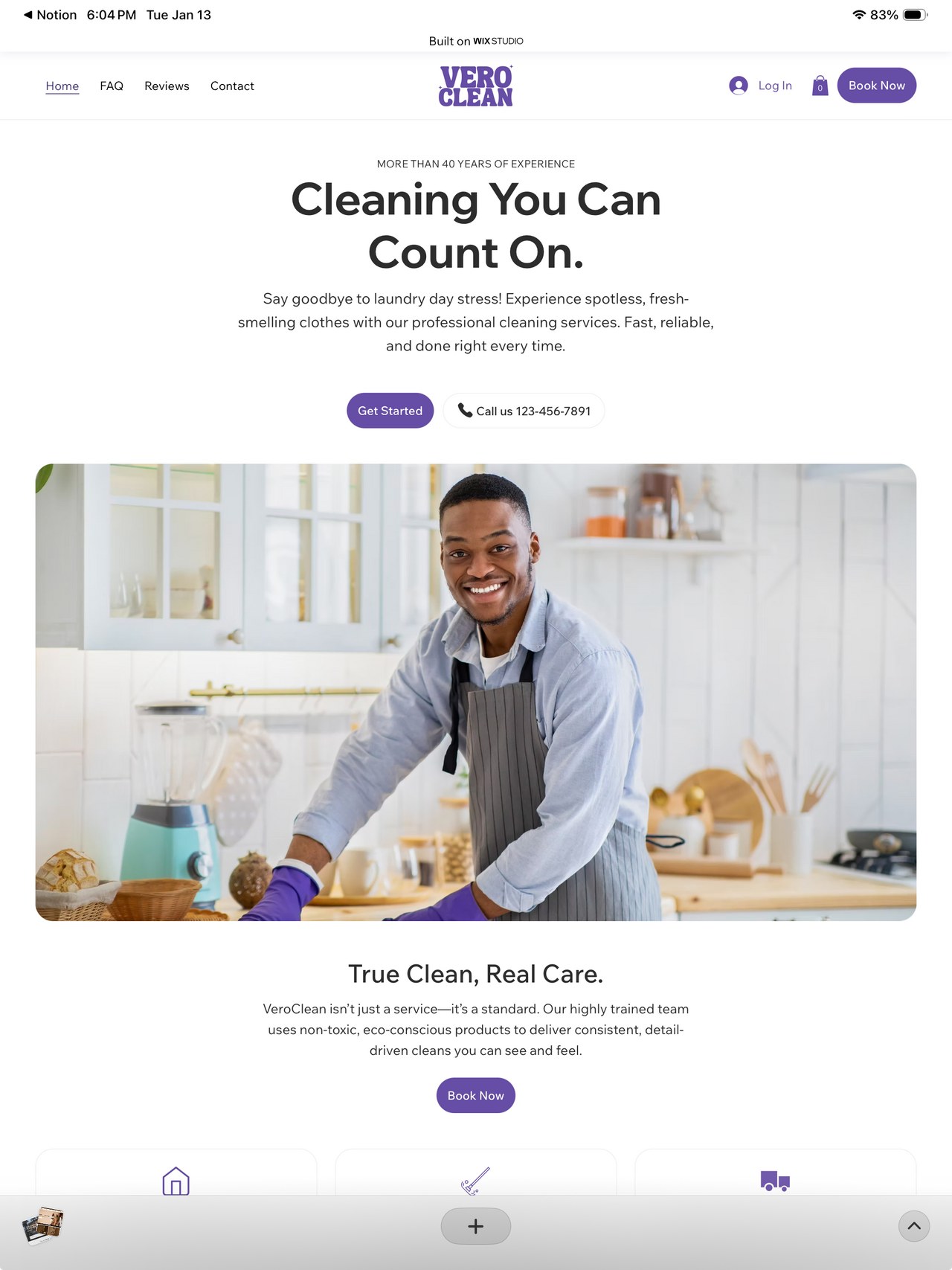
Built for Home Services.
Vero Clean is a professional, trust‑first Wix Studio template for residential and small office cleaning services. A clear hero, non‑toxic product positioning, and sector‑specific proof reduce friction for first‑time bookings. Reviews and FAQs answer common questions on scheduling, products, and access, and prominent booking and contact CTAs keep next steps obvious on mobile. With practical copy, local SEO‑ready structure, and fast forms, this Wix Studio template turns quick research into scheduled cleanings and repeat service.
What is already
set up.
Not just a design. The pages, forms and emails are done.
Inside this
template.
The Wix tools this template is built on, ready to use.
Before you buy.
A Wix account. A Wix premium plan lets you connect your domain and publish.
Yes. One purchase covers one live website, for yourself or for a client.
Different designs. The Wix Studio version is the original design, edited visually in the Studio editor and sold on the Wix Studio Marketplace. The Headless site is the new design, coded: you edit content in the Wix dashboard and change pages in code, by hand or with an AI agent.
We copy the site into your Wix account and send an invite. You get the source code and the AI assistant files too.
Right now the Wix Marketplace only supports templates built for Studio Editor sites. The new design, in Studio Two and Wix Headless, will be sold from this page when it is ready. Use Get notified to hear first.
Yes, if you bought one of our Wix Studio templates on the Wix Studio Marketplace after November 10, 2026. You get the Studio Two version of the same template free, one copy per purchase. Claim it with the form at allioo.studio/studio-two-copy: add a screenshot of your invoice and the email of your Wix account. When that template rolls out in Studio Two, we add you as a collaborator on the site or transfer it to your Wix account. The offer runs until the Wix Marketplace opens for Studio Two templates.
Yes. It becomes a site in your own Wix account, built in the Studio Editor. You keep editing and publishing it there, and Studio Two does not change sites you already have.


